Best AI Document Processing | SyanSoft Technologies
AI document processing helps businesses extract, classify, summarize, and organize information from digital documents with greater efficiency. The best AI document processing solutions combine artificial intelligence, Optical Character Recognition (OCR), Natural Language Processing (NLP), and machine learning to reduce manual data entry and improve document accuracy. SyanSoft Technologies helps businesses explore AI-driven software solutions that streamline document workflows, support automation, and improve operational productivity.
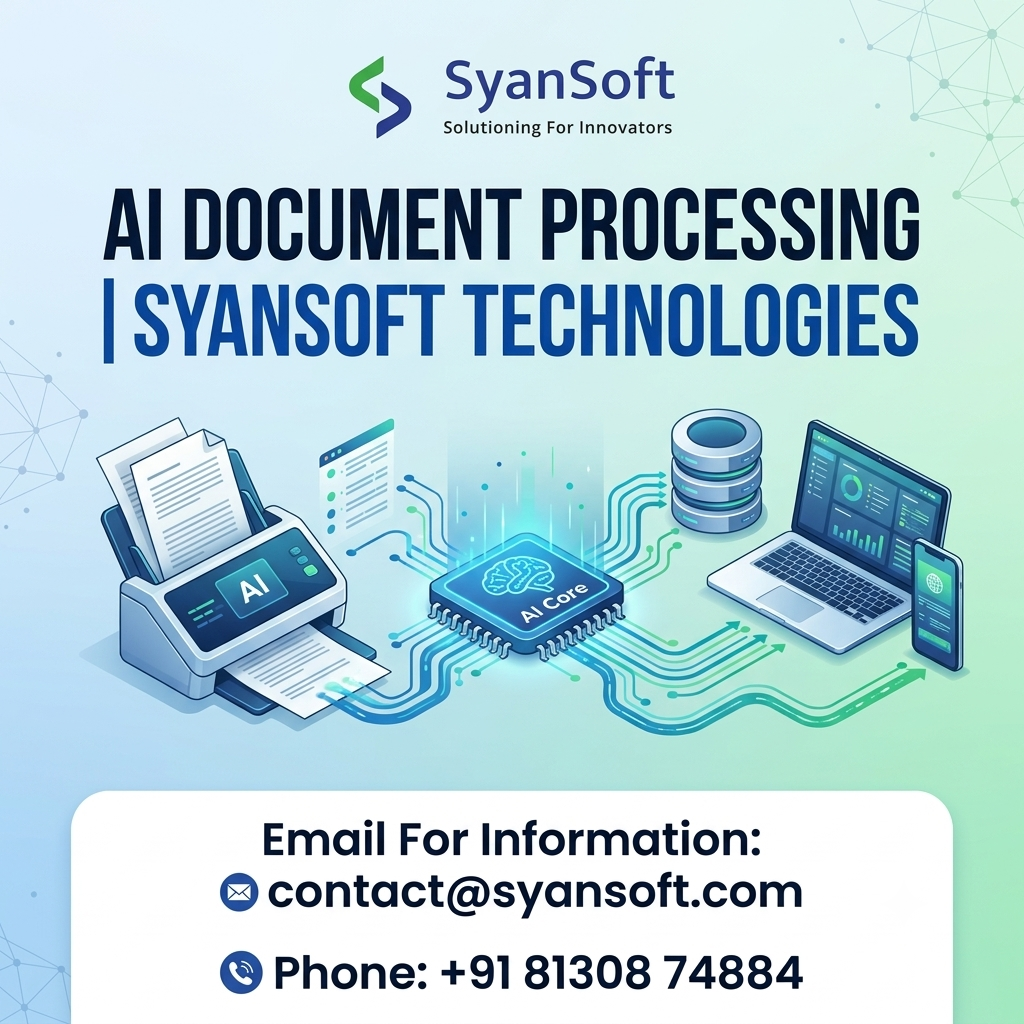
What Is AI Document Processing?
AI document processing is the use of artificial intelligence to automatically read, understand, extract, and process information from documents such as invoices, contracts, forms, purchase orders, financial statements, and reports.
Traditional document processing often requires employees to enter data manually and verify information. AI-powered systems can identify relevant fields, recognize document types, extract important details, and transfer information to business applications for further processing.
For example, an AI document processing solution can extract invoice numbers, supplier names, dates, and total amounts from invoices, helping finance teams reduce repetitive work.
How Does AI Document Processing Work?
AI document processing typically follows a structured workflow:
- Document Collection: Upload or receive documents from email, scanners, websites, or business applications.
- Document Recognition: Use OCR and intelligent document processing technologies to read text from digital files and scanned images.
- Data Extraction: Identify important information, including names, dates, amounts, tables, and document-specific fields.
- AI-Based Classification: Categorize documents according to their content, format, and business purpose.
- Validation and Verification: Check extracted information against predefined rules or trusted business records.
- System Integration: Send validated data to compatible CRM, ERP, accounting, or document management systems.
- Human Review: Route uncertain or sensitive cases to employees for verification and approval.
This combination of AI automation and human oversight helps organizations build more reliable document workflows.
Key Features of the Best AI Document Processing Solutions
Businesses evaluating AI document processing software should look for features that meet their document types, data requirements, and operational goals.
1. Intelligent Data Extraction
Extract structured information from invoices, receipts, contracts, applications, and other business documents.
2. OCR and Handwritten Text Recognition
Convert scanned documents and supported handwritten content into machine-readable text, depending on image quality and language support.
3. Automated Document Classification
Identify and categorize documents to help employees manage large volumes of files efficiently.
4. Natural Language Processing
Understand relevant text, identify key entities, summarize content, and support document-based information retrieval.
5. Workflow Automation
Reduce manual steps by routing documents, triggering approvals, and transferring validated information between systems.
6. Enterprise System Integration
Connect document processing workflows with compatible ERP, CRM, accounting, and business applications.
7. Security and Auditability
Support role-based access, secure data handling, audit logs, and appropriate retention policies to protect sensitive business information.
Benefits of AI Document Processing for Businesses
AI document processing can improve efficiency across departments when implemented with suitable validation and monitoring.
- Reduced Manual Data Entry: Automate repetitive information extraction tasks.
- Faster Document Processing: Handle high volumes of documents more efficiently.
- Improved Data Consistency: Apply standardized extraction and validation rules.
- Lower Operational Effort: Reduce time spent on routine document handling.
- Better Information Access: Make important details easier to search, retrieve, and analyze.
- Scalable Workflows: Process growing document volumes without relying entirely on manual effort.
Accuracy and productivity improvements depend on document quality, data complexity, system integration, and the effectiveness of validation procedures.
AI Document Processing Use Cases Across Industries
AI document processing can support a wide range of business operations.
- Banking and Finance: Process invoices, financial statements, applications, and compliance documents.
- Healthcare: Extract information from administrative forms, referrals, and other approved records with appropriate privacy safeguards.
- Manufacturing: Process purchase orders, delivery notes, supplier documents, and quality reports.
- Retail and E-commerce: Manage receipts, invoices, product documents, and supplier records.
- Legal Services: Classify contracts, extract clauses, and summarize legal documents for professional review.
- Human Resources: Extract information from resumes, employee forms, and onboarding documents.
Why Choose SyanSoft Technologies for AI Document Processing?
Choosing an AI development partner involves assessing its software engineering capabilities, understanding of business workflows, integration experience, and approach to security and quality assurance.
SyanSoft Technologies provides software development and AI-related solution capabilities that businesses can explore when planning document automation. A customized solution can be designed around specific document formats, extraction requirements, existing applications, and approval workflows.
Before implementation, businesses should identify their most time-consuming document processes, define measurable success criteria, and test the solution against representative documents.
How to Choose the Best AI Document Processing Solution
Before selecting a solution or development partner, consider these factors:
- Document Compatibility: Confirm support for your file formats, languages, scanned documents, and document layouts.
- Extraction Accuracy: Test the system against real-world documents and measure field-level accuracy.
- Integration Capabilities: Check compatibility with your existing business applications.
- Data Security: Evaluate access controls, encryption, data retention, and privacy requirements.
- Human Verification: Ensure uncertain or high-impact extractions can be reviewed before processing.
- Scalability: Assess performance as document volume and complexity increase.
- Total Cost: Consider development, licensing, integration, infrastructure, and ongoing maintenance.
Conclusion
The best AI document processing solution helps businesses transform document-heavy operations into more efficient, searchable, and automated workflows. From invoice data extraction to contract classification and enterprise document management, AI can reduce repetitive work while helping teams access important information faster.
SyanSoft Technologies can help businesses explore AI-powered software development and document automation opportunities tailored to their operational requirements.
Ready to streamline your document workflows with AI?
Contact SyanSoft Technologies to discuss your requirements and explore a suitable document processing solution.
Website: IT Software Development Company in Gurgaon | SyanSoft
Frequently Asked Questions (FAQs)
1. What is the best AI document processing solution?
The best solution depends on document types, extraction accuracy, integration requirements, security needs, and processing volume. Businesses should evaluate solutions using representative documents and measurable performance criteria.
2. How does AI document processing work?
AI document processing uses technologies such as OCR, machine learning, and natural language processing to read documents, identify relevant information, classify content, validate data, and automate downstream workflows.
3. Can AI extract data from invoices and PDFs?
Yes. AI document processing tools can extract information such as invoice numbers, dates, supplier details, line items, and totals from supported PDFs and scanned documents. Results should be validated before critical business use.
4. What is Intelligent Document Processing (IDP)?
Intelligent Document Processing is a technology approach that combines AI, OCR, machine learning, and language processing to classify documents, extract information, and automate document-related workflows.
5. Which industries benefit from AI document processing?
Finance, banking, healthcare, manufacturing, retail, legal services, logistics, and human resources can benefit from automating suitable document-intensive processes.
6. Is AI document processing secure?
It can be designed with security controls such as encryption, access restrictions, audit logs, and data retention policies. Security depends on the solution architecture, deployment, configuration, and organizational practices.
7. Can AI document processing integrate with ERP and CRM systems?
Yes. AI document processing solutions can integrate with compatible ERP, CRM, accounting, and document management systems through APIs or other supported connectors.
8. How can a business get started with AI document processing?
Start by identifying a high-volume document workflow, collecting representative sample documents, defining accuracy and time-saving targets, and testing a pilot before expanding to additional processes.

.jpg)

Comments
Post a Comment